
Forwarding emails to Agent Blond
Forward an email to your personal agent address — Agent Blond reads the content, researches your data, and prepares a briefing with suggestions in the chat.
Setting up your agent address
In your personal settings you'll find the Email to your agent section with your agent address. The address is personal — every team member has their own.
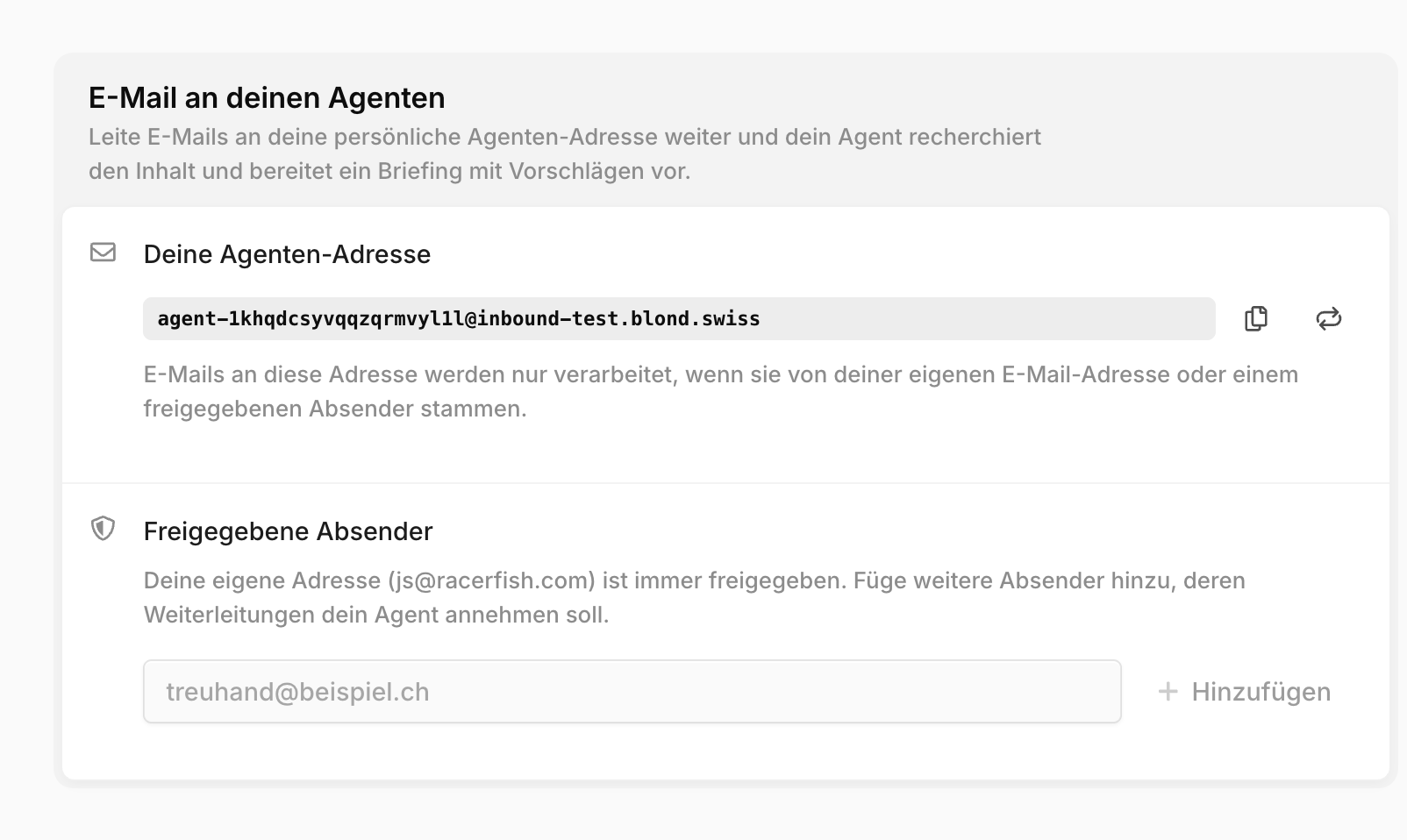
Approved senders: Only emails from your own login address or from senders you approve here (your fiduciary, for example) are processed. Emails from anyone else are silently discarded.
Renew address: If your address ends up in the wrong hands, Renew address creates a new one immediately — the old one stops working right away. Remember to update any forwarding rules in your mail client afterwards.
Not the document inbox address
Your agent address is not the same as the email address of the document inbox. The document inbox only collects receipts — the agent address triggers actual research by Agent Blond.
What happens with the email
Agent Blond reads the email including attachments, researches the mentioned customers, invoices, or figures in your data, and files the result as a new, unread conversation in the chat. You get a notification with a link to the briefing.
If a receipt is attached, Agent Blond can prepare an expense from it directly.
Changes only with your approval
Agent Blond never changes data on its own from an email. Every proposed action — recording an expense, for example — waits as an Approval required card in the conversation until you release it with Allow.
Limits
| Topic | Detail |
|---|---|
| Senders | Only your own address and approved senders (maximum 10). |
| Attachments | Up to 5 attachments, 10 MB each. Images, PDFs, and Office documents. |
| Reply | Agent Blond does not reply by email — the briefing appears in the chat. |