
Reports and analysis with Agent Blond
Ask Agent Blond questions about your data — from the balance sheet to project utilization. You don't have to set filters or click together a report.
Agent Blond answers these questions read-only — in Ask mode it analyzes your data but writes nothing back.
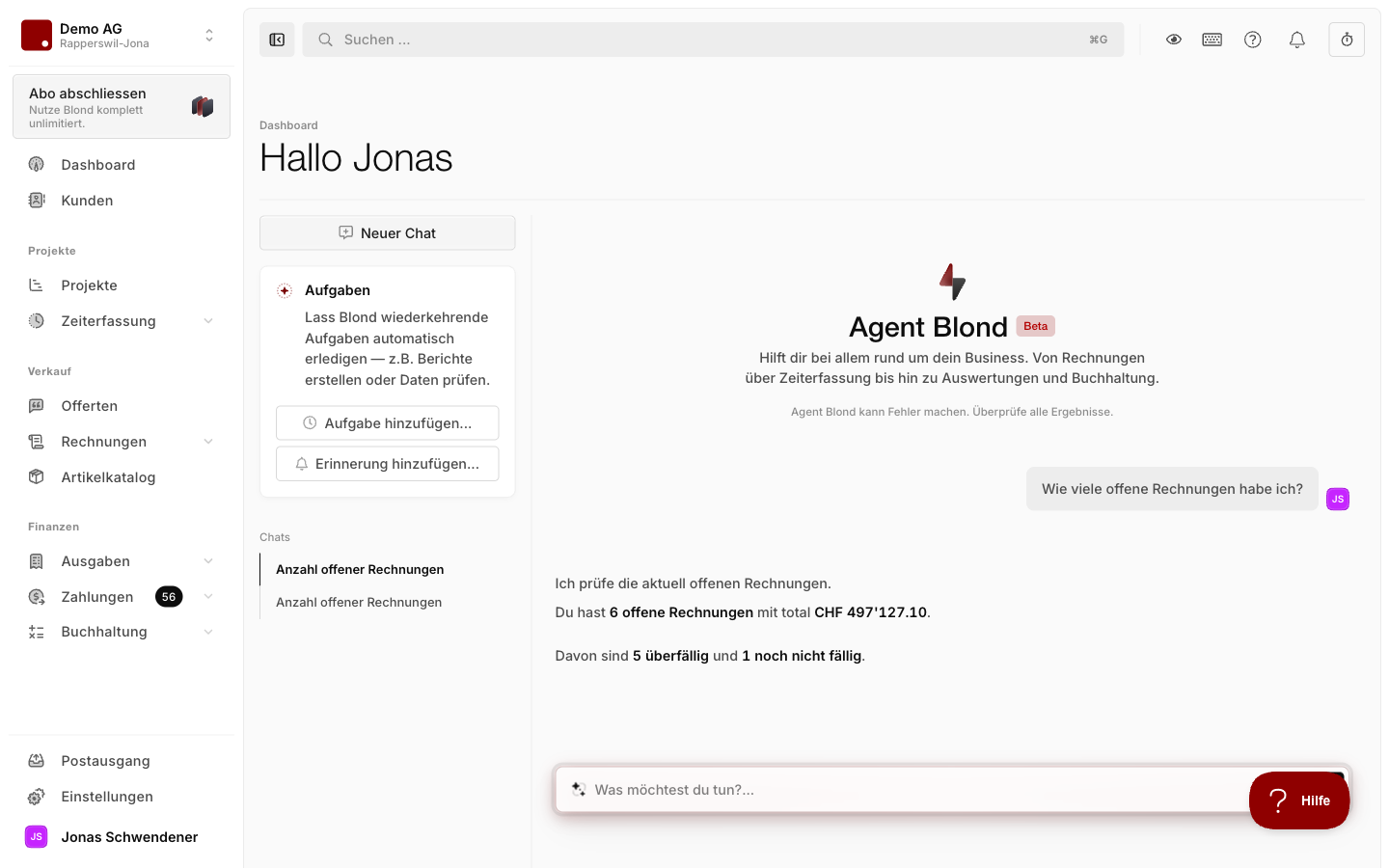
Typical questions
Bookkeeping: Summarize the balance sheet or income statement in plain language, analyze individual accounts, double-check VAT codes before filing.
Cashflow: Prioritize which supplier invoices to pay next, or spot outstanding customer invoices that need a reminder.
Projects and time: Get a status update on a project, compare progress against the timeline, pull hours analyses per team member.
Financial health check: Combine income, expenses, and the order pipeline into a single overview — useful as a monthly self-briefing.
Built-in AI actions
On individual records — an invoice, an expense, a project — the action menu offers AI actions like Summarize or Analyse. They open a chat that already knows the record. A good starting point when you don't know what to ask.
Better answers with sharper context
The more precisely you state what you want analyzed, the better the answer. Type @ in the input field to link projects, customers, invoices, or expenses — Agent Blond then loads the full record as context. If you're already on a relevant page, the record is picked up automatically.
TIP
Explicitly ask Agent Blond for a table or list when the answer involves a lot of numbers — it makes the response much easier to scan.
Follow me
When Agent Blond creates or changes records during an analysis, you can enable Follow me in the side panel — Blond then automatically opens every page it is working on, and you watch live.
Picking up earlier conversations
Agent Blond remembers your earlier chats. Ask, for example, "What did we talk about last week?" or "Continue where we left off with the VAT filing" — it finds the right conversation itself.
Repeating an analysis
A report you need on a regular basis doesn't have to be re-typed each time. Let Agent Blond set it up as a recurring task — it then runs automatically, e.g. every Monday, and sends you the result by email.