
Reports and analysis with Agent Blond
Ask Agent Blond questions about your data — from the balance sheet to project utilization. You don't have to set filters or click together a report.
Agent Blond answers these questions read-only — it analyzes your data but writes nothing back.
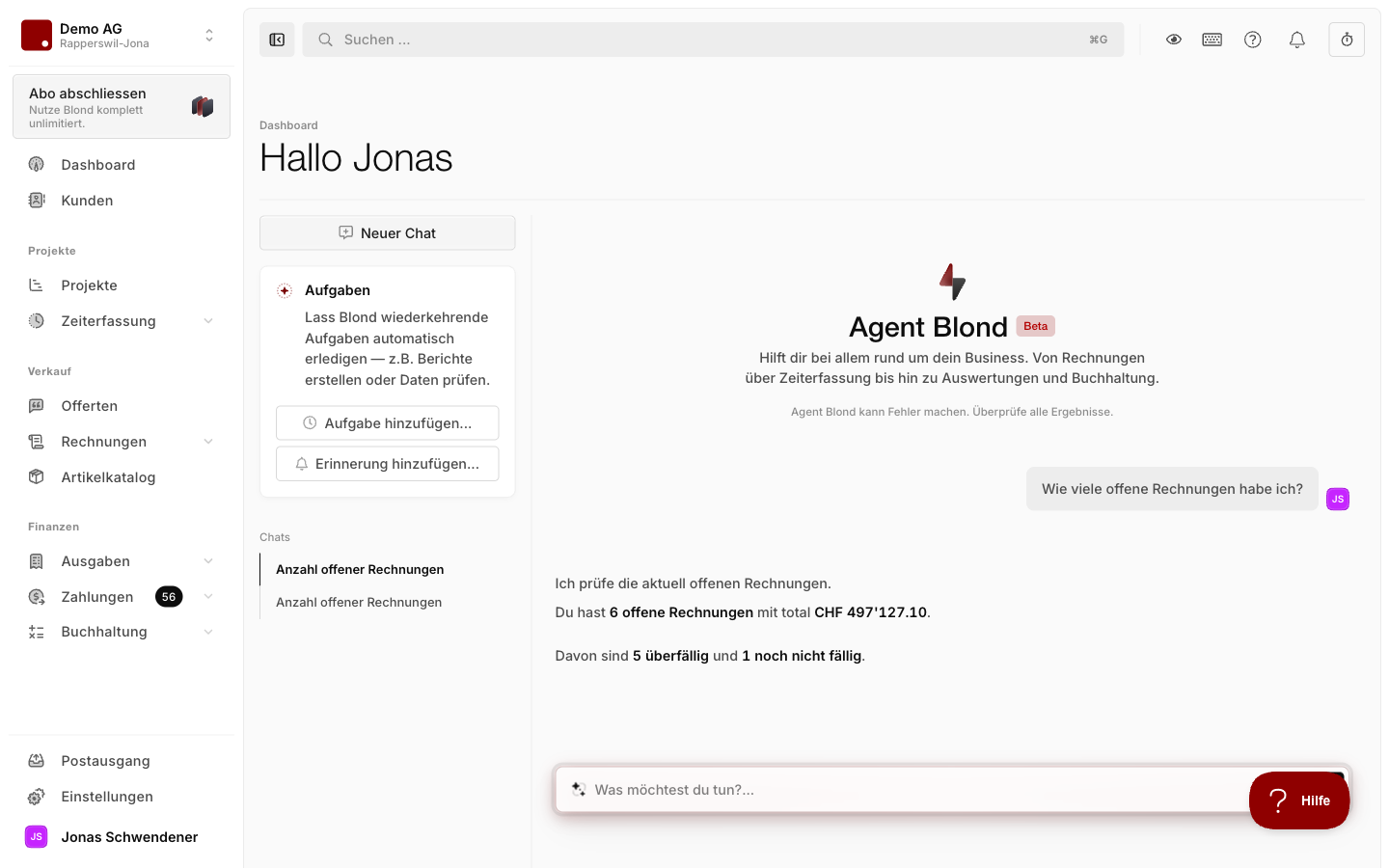
Typical questions
Bookkeeping: Summarize the balance sheet or income statement in plain language, analyze individual accounts, double-check VAT codes before filing.
Cashflow: Prioritize which supplier invoices to pay next, or spot outstanding customer invoices that need a reminder.
Projects and time: Get a status update on a project, compare progress against the timeline, pull hours analyses per team member.
Financial health check: Combine income, expenses, and the order pipeline into a single overview — useful as a monthly self-briefing.
The built-in "Summarize" action
On individual records — an invoice, an expense, a project — the action menu offers an AI action: Summarize. It opens a chat that already knows the record and returns a short overview. A good starting point when you don't know what to ask.
Better answers with sharper context
The more precisely you state what you want analyzed, the better the answer. Type @ in the input field to link projects, customers, invoices, or expenses — Agent Blond then loads the full record as context. If you're already on a relevant page, the record is picked up automatically.
TIP
Explicitly ask Agent Blond for a table or list when the answer involves a lot of numbers — it makes the response much easier to scan.
Repeating an analysis
A report you need on a regular basis doesn't have to be re-typed each time. Let Agent Blond set it up as a recurring task — it then runs automatically, e.g. every Monday, and sends you the result by email.