
swiDOC integration
Automatically archive your invoices, quotes and expense receipts in the Swiss audit-proof archiving service swiDOC.
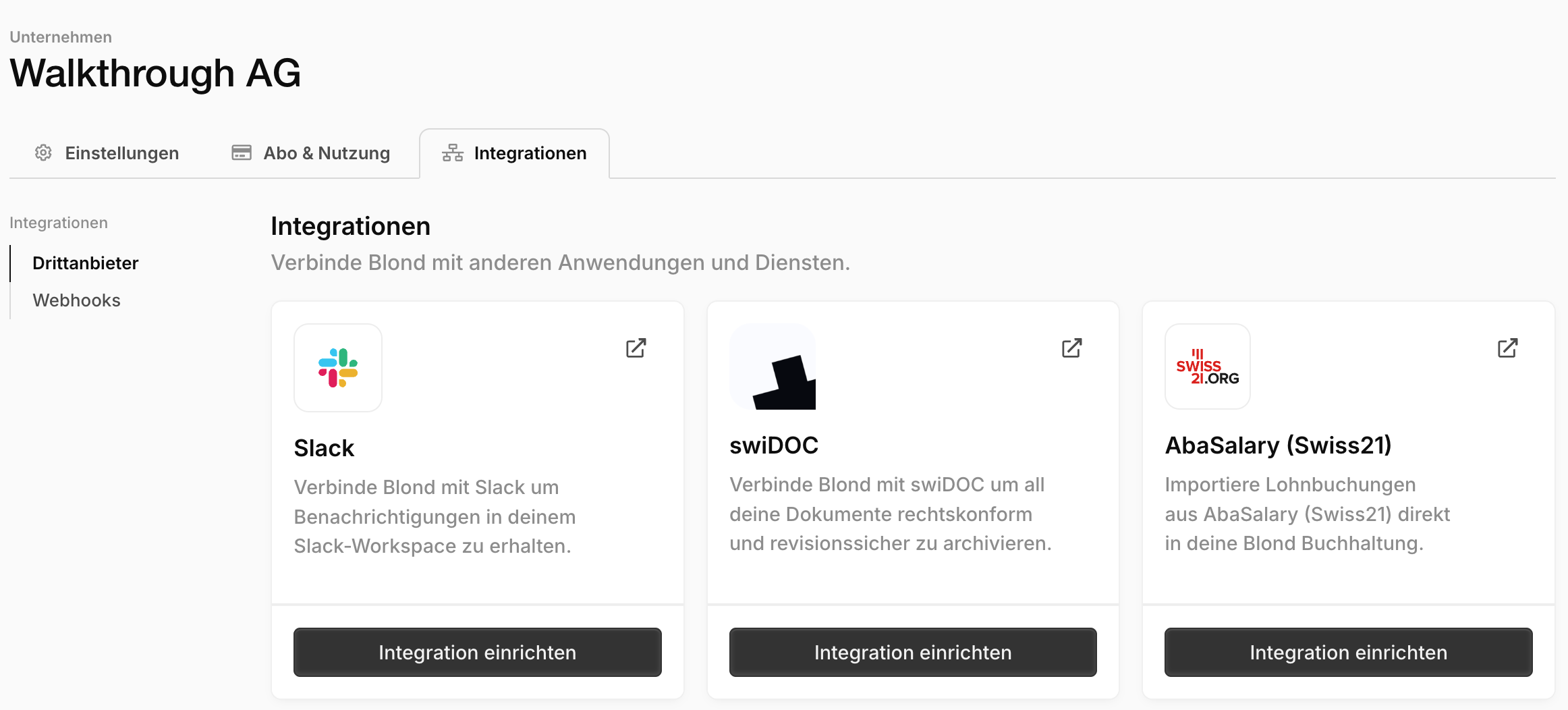
You'll find the integrations in your company's dropdown menu (at the top of the sidebar) under Integrations, or directly at https://app.blond.swiss/organization/integrations.
Note
You need your own swiDOC account. Don't have one yet? You can create one at swidoc.ch.
Generate an API key in swiDOC
- Sign in to your swiDOC account.
- Click your company's name and then Integrations in the dropdown menu.
- Select the Interface tab.
- Click Show API key and copy the key to your clipboard.
Activate the integration in Blond
- In Blond, open Integrations and click Set up integration on the swiDOC card.
- Paste the API key.
- Choose the starting year — the financial year from which archiving should begin.
- Confirm with Set up integration to start automatic archiving.
From now on, Blond continuously archives your invoices, quotes and expense receipts in your swiDOC archive. The swiDOC card shows the time of the last synchronization. In the integration's settings you can additionally adjust the folder path where documents are stored in your archive.
TIP
If you disconnect the integration later, all documents already archived remain stored in swiDOC — nothing is deleted.