
Manage your Blond subscription
View your current plan, change the payment method, download receipts or cancel your subscription.
You'll find subscription management in your company's dropdown menu (at the top of the sidebar) under Plan & usage, or directly at https://app.blond.swiss/organization/billing.
Note
This menu item is only visible to users with billing permissions (e.g. owners and administrators).
View your current plan
The Current plan section shows your subscription, the number of paid seats and the billing period (monthly or yearly). If you've cancelled your subscription, the end date is shown here.
Click Manage subscription to open the payment portal (powered by Stripe). That's where you make all changes related to payment and duration.
Billing by invoice
If your subscription is paid by invoice instead of credit card, there is no Manage subscription button. Contact our support for any changes.
Change the payment method
Click Manage subscription and add a new credit card in the Stripe portal under Payment methods.
Download receipts
Receipts are sent to you automatically by email. If you need a receipt retroactively:
- Click Manage subscription to open the Stripe portal.
- Click an invoice in the Invoice history section.
- Download the receipt or the invoice as a PDF.
Activate add-ons
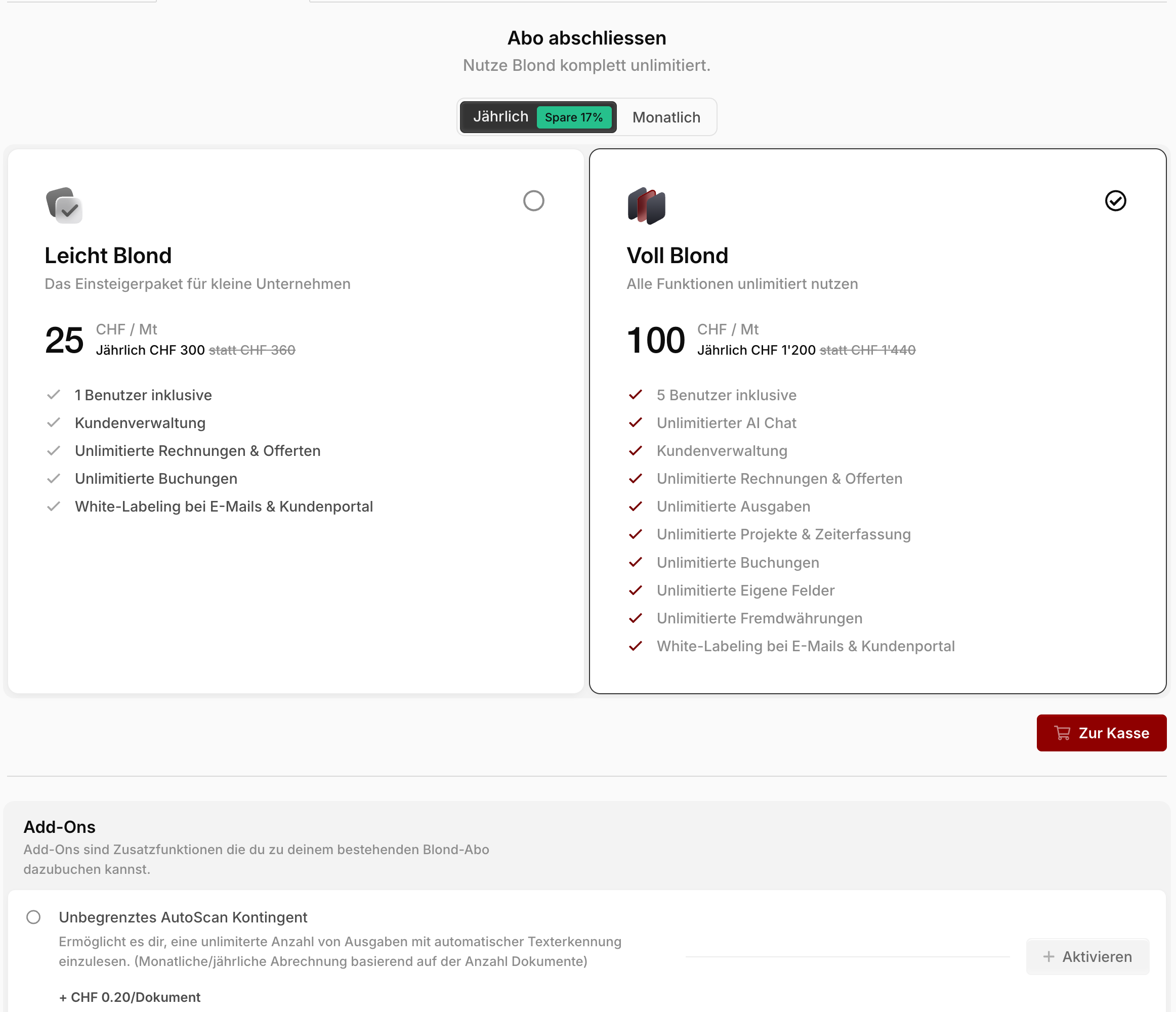
In the Add-ons section you can enable or disable extra features individually — for example an unlimited quota for automatic receipt recognition or access to experimental features. The price and description are shown next to each add-on.
Keep an eye on your usage
The Usage section shows how much of your quota (e.g. invoices, quotes or customers) you've already used. If a quota is exhausted, you can extend it directly via Unlock now.
Cancel your subscription
- Click Manage subscription to open the Stripe portal.
- Click Cancel subscription and follow the next steps.
TIP
After cancelling, you can keep using Blond normally until the end of the paid subscription period. After that, you retain read access to all your data.